
Notion Freelancer Pack


Description
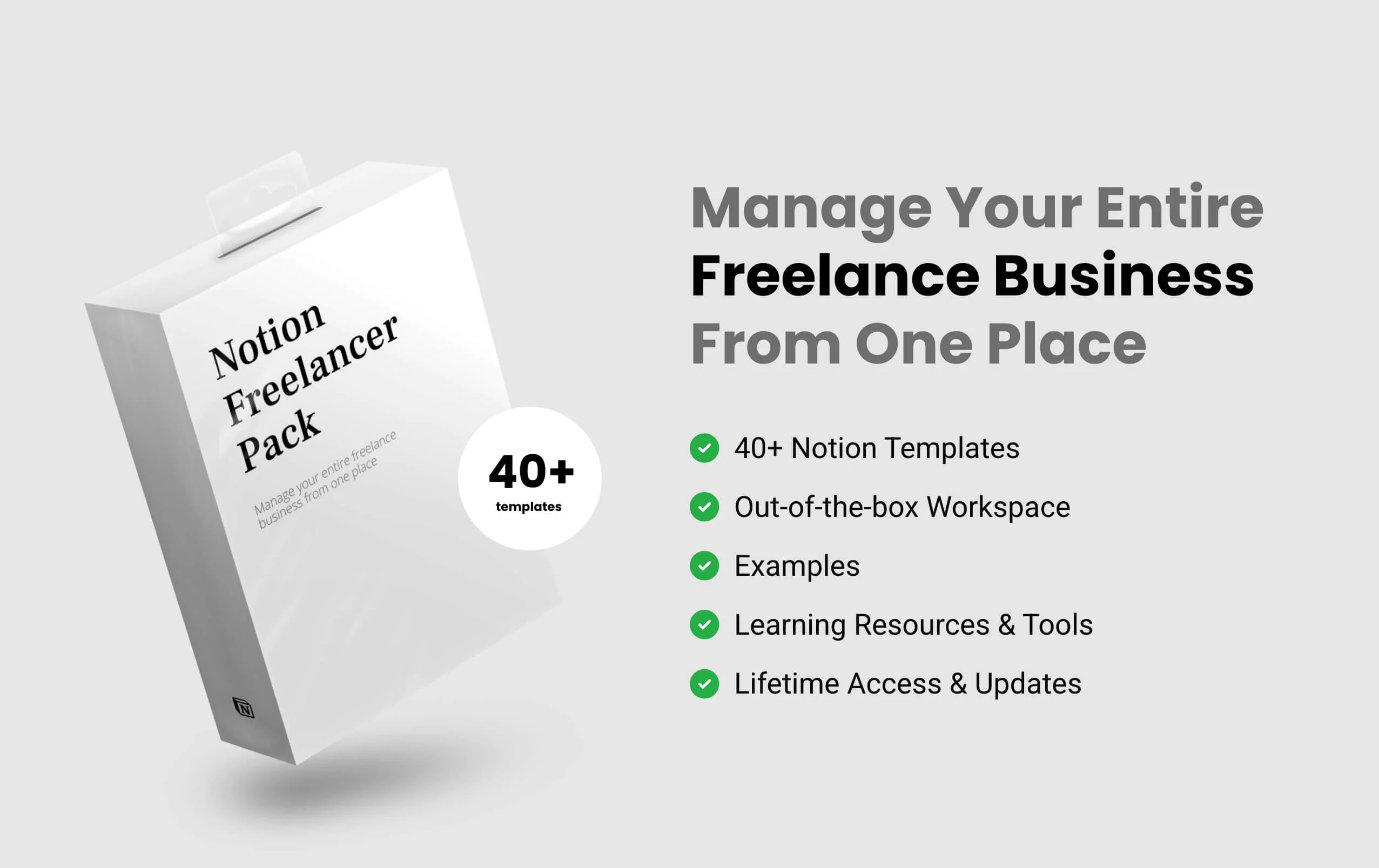
The Notion Freelancer Pack is a template pack, a system that has everything you need to successfully start, run and manage your entire freelance business from one place.
It’s made for all niches of freelancers, who want to manage their entire freelance business from one place. When you are working on yourself, time and productivity are really important. For you to feel good and use the time in the right direction, you must have a system that helps you move forward not backward. With this pack, you can manage your entire freelance business from one place and feel in control of having the right system.
More than 40+ ready to use templates for your freelance business
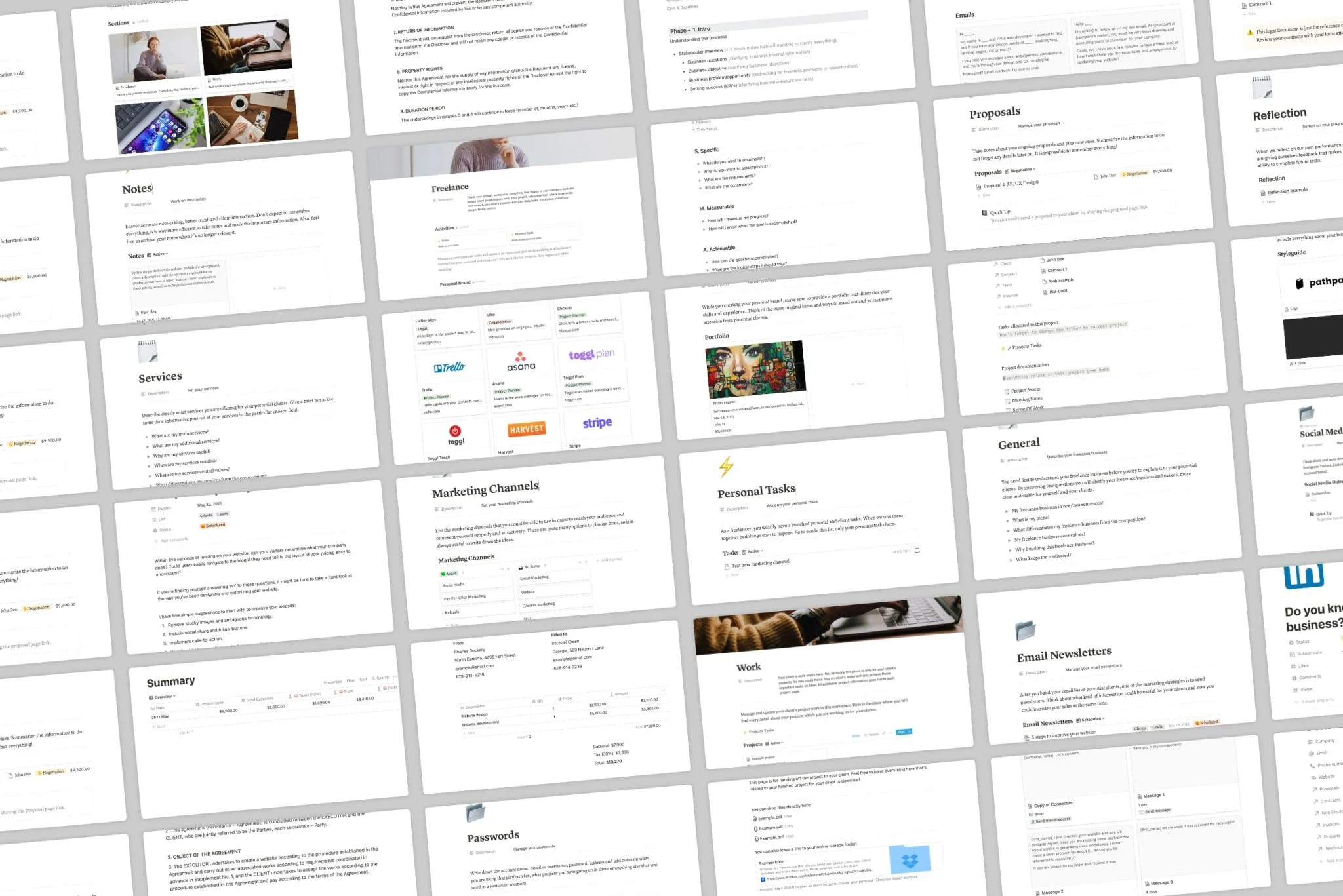
The templates contain everything you need as a freelancer. There are 40+ templates practically confirmed and used templates that help you power up your freelance career. Inside you can expect to find everything from describing your freelance business niche, pricing, services. To manage your clients, portfolio, invoices, sales and so much much more! Ready for you to use, adjust and progress in your freelance business journey.
4 different workspaces for different objectives. To keep you more organized and focused
It is very important to separate work from personal development because when start mixing them out productivity decreases. For this reason, this pack is separated into 4 separate workspaces: freelance, work, learn, tools. Each workspace is a separate part of the freelance pack to help you achieve your current goals easier and with sharper focus. It is also important to mention that certain information fields are connected between the workspaces for ease of use.
Everything you need to start, run and manage your entire freelance business from one place
When working as a freelancer, it is quite difficult not to lose your head, because everything is on your shoulders – from looking for clients to getting the job done. If you are just starting to get acquainted with the freelancer’s daily routine, it’s even harder. Calm down – this pack contains absolutely the whole system based on the most effective freelance practices. All the experience of freelancers who have already mastered is accommodated in this one. It doesn’t matter if you are starting out or already working in the freelancer field you will definitely find this useful and beneficial.
Customizable, scalable, out-the-box workspaces for every type of freelancer
The workspaces are suitable to use for every type of freelancer. Doesn’t matter if you are a photographer, graphic designer, copywriter, or any other specialist as long as you are a freelancer!. There are also no limitations for scalability. When you feel like it, you can customize, scale, and adjust the workspaces to your personal needs.
What's inside
Notes (work on your notes)
Tasks (work on your personal tasks)
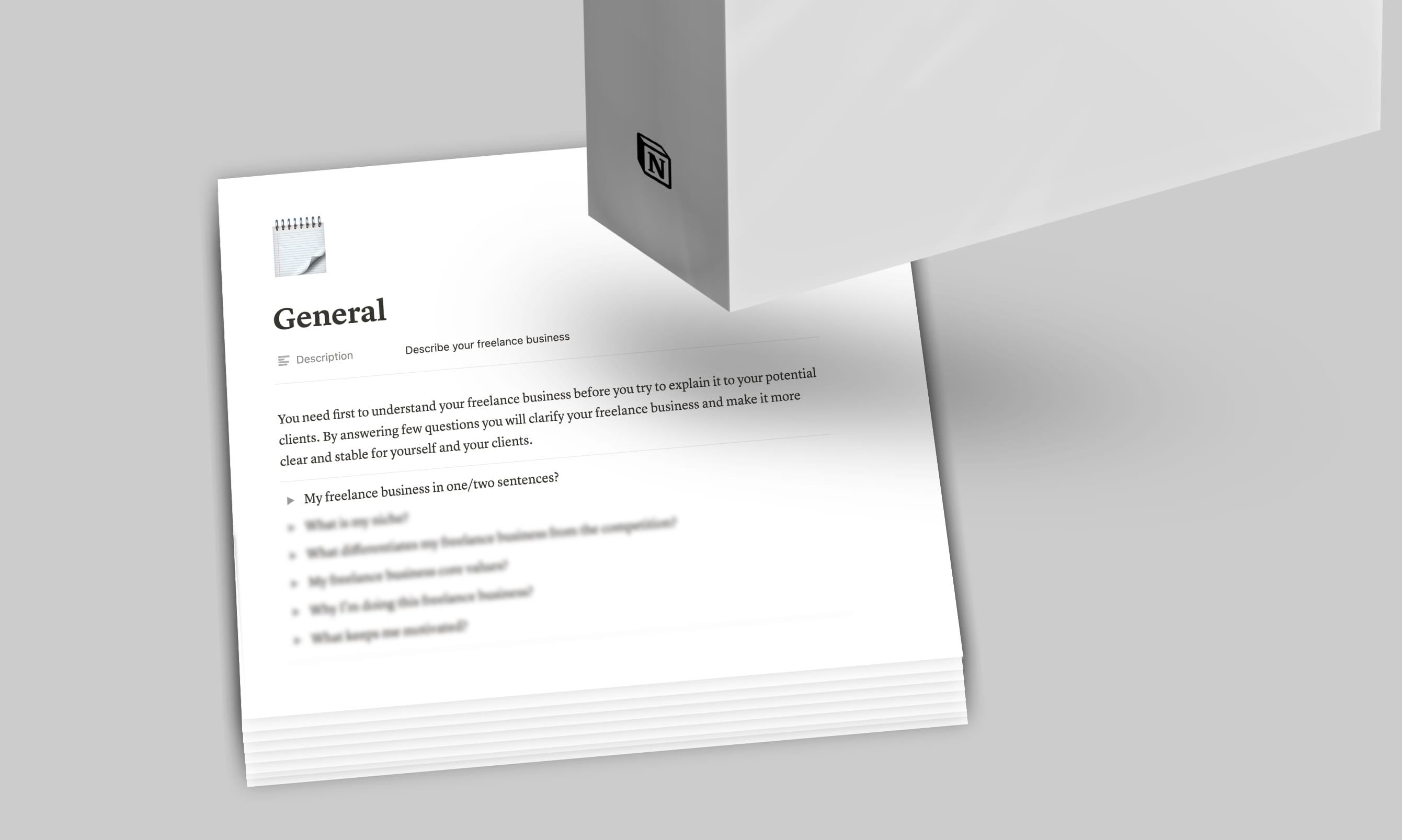
General (describe your personal brand)
Services (set your services)
Pricing (set your pricing)
Positioning (set your positioning)
Clients (identify your clients)
Competitors (identify your competitors)
Style guide (fill out your style guide)
Portfolio (fill out portfolio)
Goals (track your goals)
Reflection (reflect on your progress)
Testimonials (manage your testimonials)
Marketing channels (set your marketing channels)
Lead magnets (set your lead magnets)
Social media content (manage your social media content)
Social media outreach (manage your social media outreach)
Cold email outreach (manage your social media outreach)
Email newsletters (manage your email newsletters)
Articles (manage your articles)
Proposals (manage your proposals)
Clients (manage your clients)
New client questionnaire (prepare your new client questionnaire)
Client onboarding (prepare your client onboarding)
Email snippets (manage your email snippets)
Contracts (manage your contracts)
The non-disclosure agreement (manage your NDA's)
Summary (track your financial summary)
Income (track your income)
Expenses (track your expenses)
Invoices (manage your invoices)
Passwords (manage your passwords)
Manage your client's projects
Manage your project tasks
Project documentation example
Freelance tools
Freelance tips
Template information
- Author:
Notionway - Last Updated:
October 19, 2026 - Source:
https://gumroad.com/a/918697683/gBhHF - Categories:
ProjectsSales and MarketingPersonal Productivity
Related Templates

Grocery List Template
Personal
Personal Productivity
Food and Nutrition
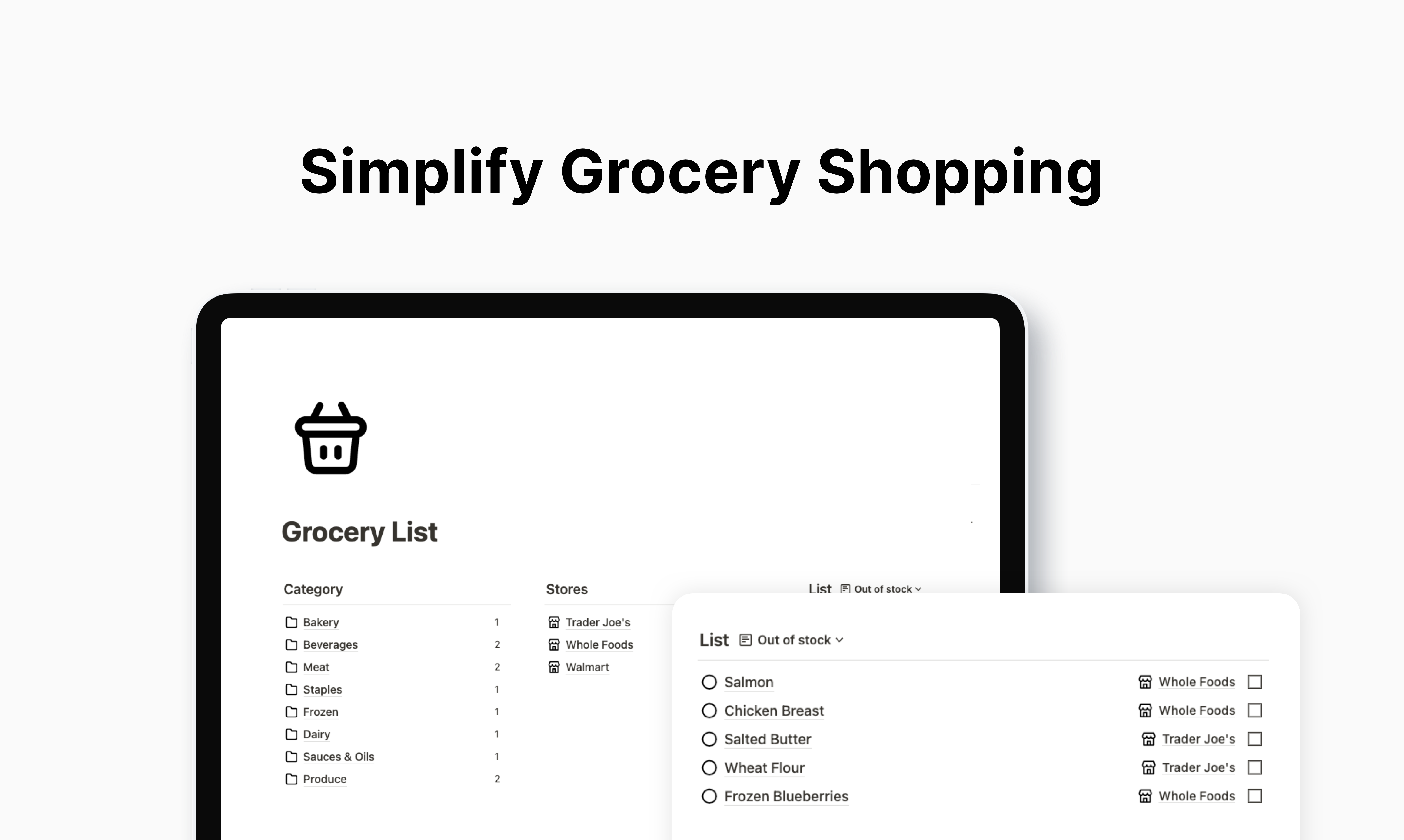
Create a grocery list that is shareable and synced across devices. Features Organize by categories Organize by stores Search by keywords Filter by category/ store/ status Add notification reminders Invite to collaborate and
Free $0Download
Investment Tracker Template
Personal
Personal Finance
Personal Productivity
A Notion template to keep track of all your investments in one place. Our Notion dashboard simplifies tracking your investments and holdings across multiple accounts – from brokerage to crypto wallets. What's included? Get a
Buy Now $9Download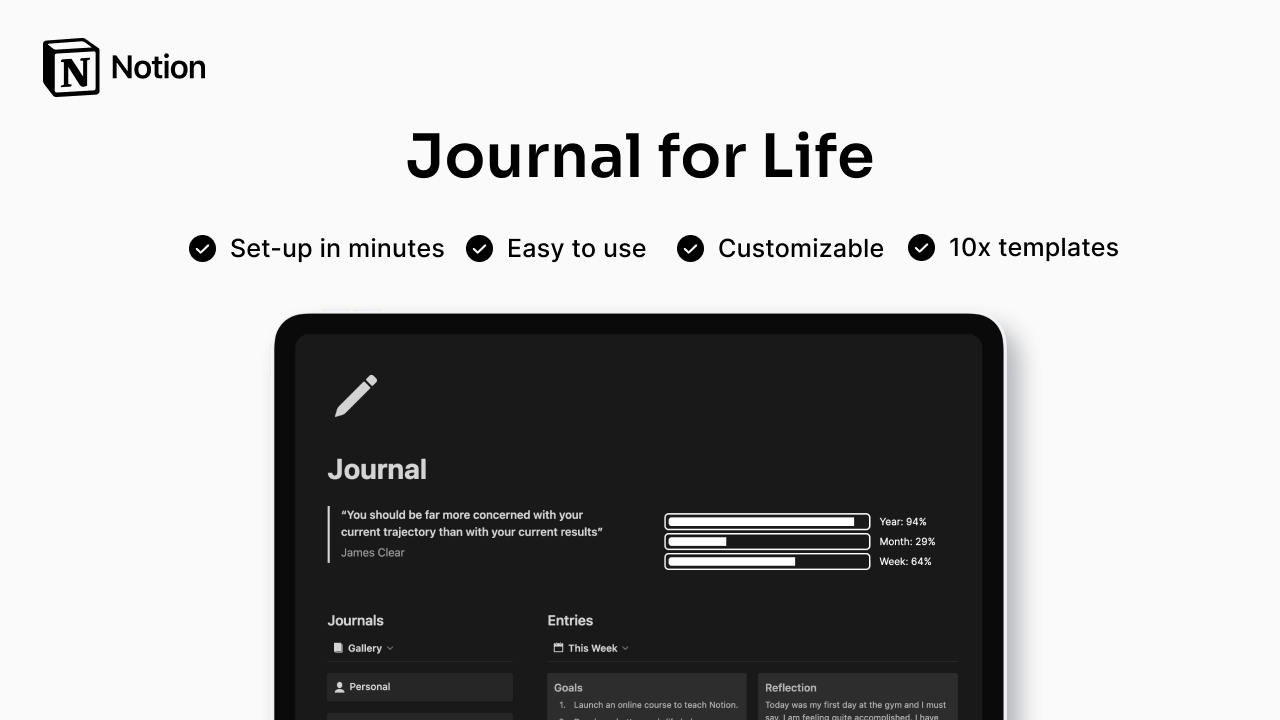
Journal Template
Personal
Personal Productivity
Planning and Goals
The ultimate digital journaling experience! A Notion template that makes it easy to start journaling and reflect on the things that matter most. From daily gratitude to long-term goals, our template has everything you need to start
Buy Now $9Download
Freelance OS Template
Projects
Planning and Goals
Personal Productivity
Manage your entire freelance process in Notion Freelance OS is an all-in-one Notion template to manage your projects, clients, or finances. What's included? Client CRM Project & task management Calendar events Meeting notes
Buy Now $79Download
Resolution Board Template
Personal
Personal Productivity
Planning and Goals
You want to achieve your goals, but you don't know where to start. Imagine having ready-to-use templates that will help you get started on achieving your 2023 new year's resolutions and goals. What's Inside? All-in-one
Buy Now $38DownloadF.A.Q
Frequently Asked Questions
- What is Notion?
Notion is an all-in-one workspace that allows you to take notes, add tasks, manage projects, and get organized. Whether you're writing or planning, Notion has a versatile design for getting things done.
- What is Notion template?
Notion templates are pre-built Notion components that can be imported into your Notion workspace and are a great way to boost your productivity in Notion.
- How I will receive a template?
Right after your purchase, you will be made available with the link to download the template. After downloading the template, you will be able to duplicate it in your own workspace. You'll also receive an email with the link to the template and other relevant files.
- Will I need to pay to use Notion?
No, Notion does offer a free plan with no strings attached. You don't need to be on Notion's Personal Pro plan to use it.
- Does this work on all devices?
Yes, this template is supported across all platforms and devices (including MacOS, Windows OS, iOS and Android).
- Is Notion Free to Use?
Yes, Notion is free to use and you can sign up here to start using it today for FREE!