
Customer Journey Map Dashboard Notion Template

Description
Featured in the Notion Template Gallery
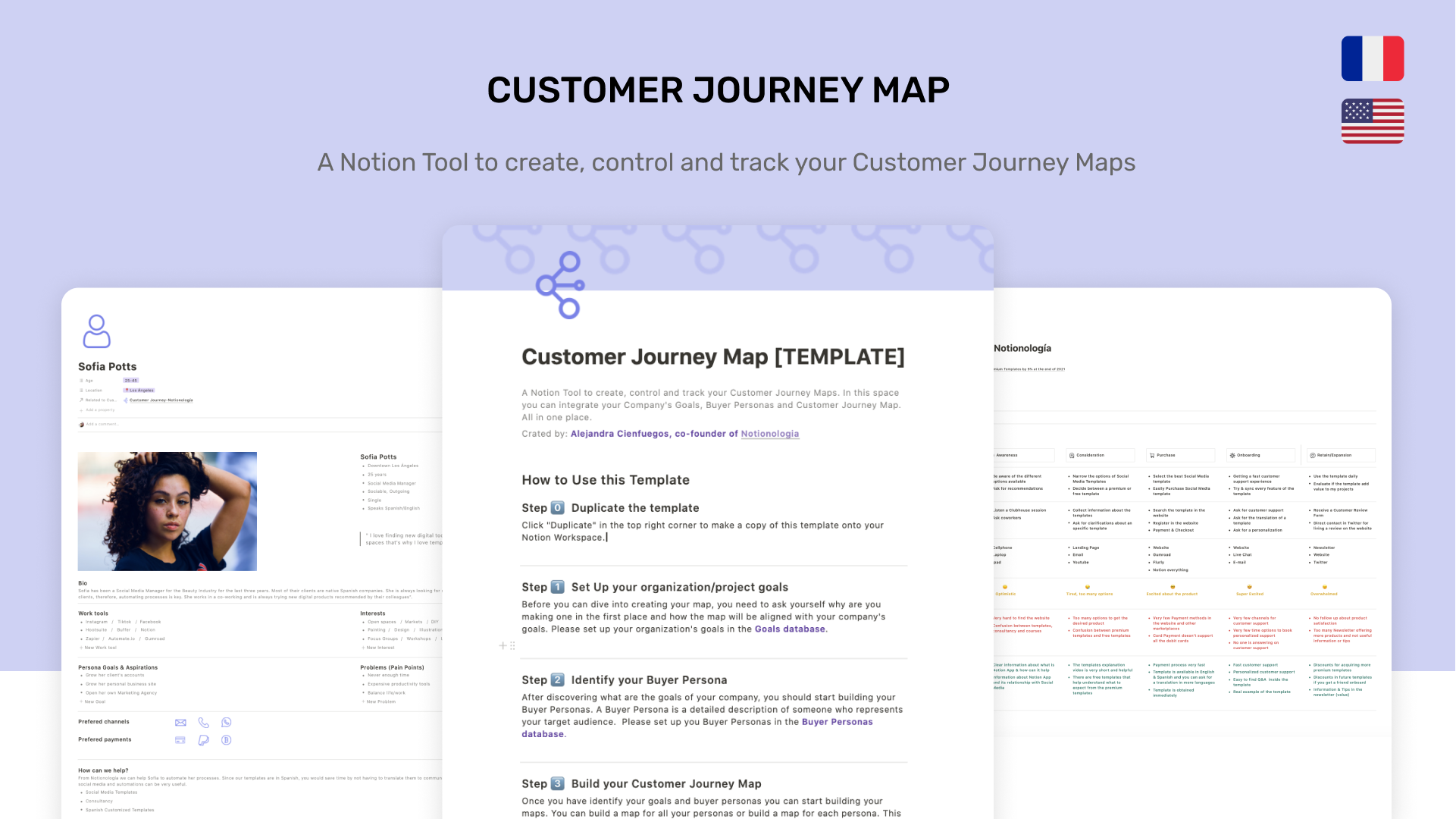
A Notion Tool to create, control and track your Customer Journey Maps. In this space, you can integrate your Company's Goals, Buyer Personas, and Customer Journey Map. All in one place.
- Don't miss more chances to interact with your customers
- Identify their pain points during their purchasing process
- Discover in which stage you are losing customers
For content creators, a customer journey map can help determine what content you need to create and the best way to approach it.
For designers, it provides context for how users see the experience of interacting with designs.
For UX designers, it can identify missing connections in navigation, and stress points in the flow and help eliminate customer frustrations.
For entrepreneurs, it can help spot pain points that are affecting your sale conversion. With a Customer Journey Map, you'll identify advantages and weaknesses within your sales funnel.
For Customer Experience departments, it will help you to improve your current customer experience and envision your future customer support system,
For Communicators, it helps you to identify gaps in service communication and focusing efforts and messages on what matters to your customer
This CJM Template can help you answer the following questions
Is my online interface user-friendly and matching customer expectations?
Why is the user navigating away from the site so quickly?
How often is my customer reaching out to customer service and is the team able to address the issues in a timely manner?
How is the customer interacting with my brand before they decide to make a purchase? During? After?
How are they feeling at the moment of discovery? How are they feeling when they buy my product?
Does my customer have barriers or motivators for buying my product/service? Is the paying process too hard? Do they have enough payment methods?
Why this template?
There are amazing tools to build Customer Journey Maps in the market, however, this Notion Template is an excellent option for small businesses and projects. You pay once and you will be able to build unlimited customized maps.
What's inside?
- A Customer Journey Mapping Guide for beginners
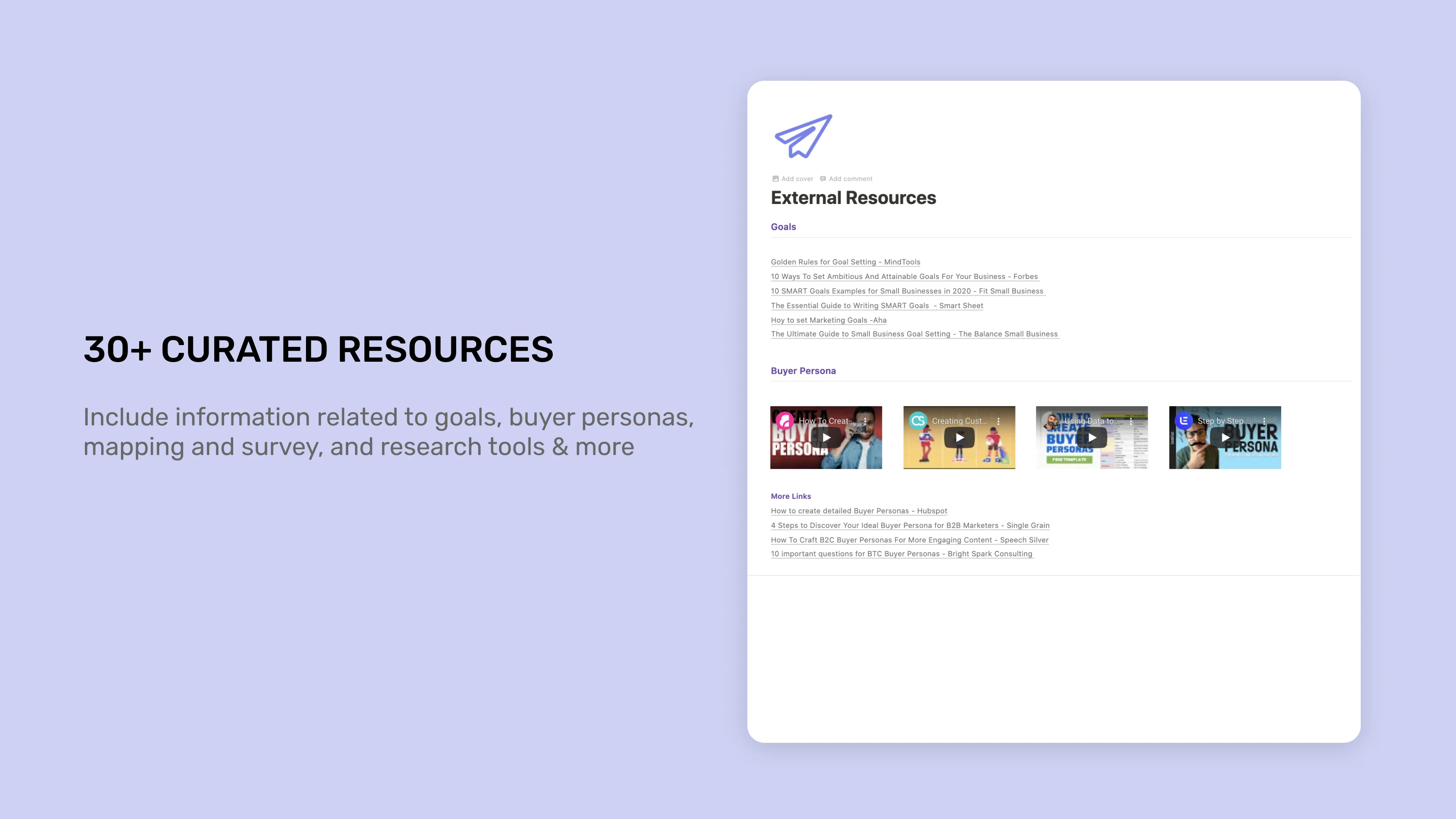
Step by Step guide on how to use the template - More than 30 External Curated Resources including information related to Goals, Buyer Personas, Customer Journey Mapping, and Research and Information
- A real example of how to use the template
- Templates with "Cheatsheet" as toggles to keep important definitions accessible at any time
- Integration ideas and curated resources to automate your Research and Information process
- Access to a Google Drive File with the icons used in the template
A Customer Journey Dashboard that includes:
Goals Database: This allows you to establish your company's goals before start mapping to help you keep focused on what's important
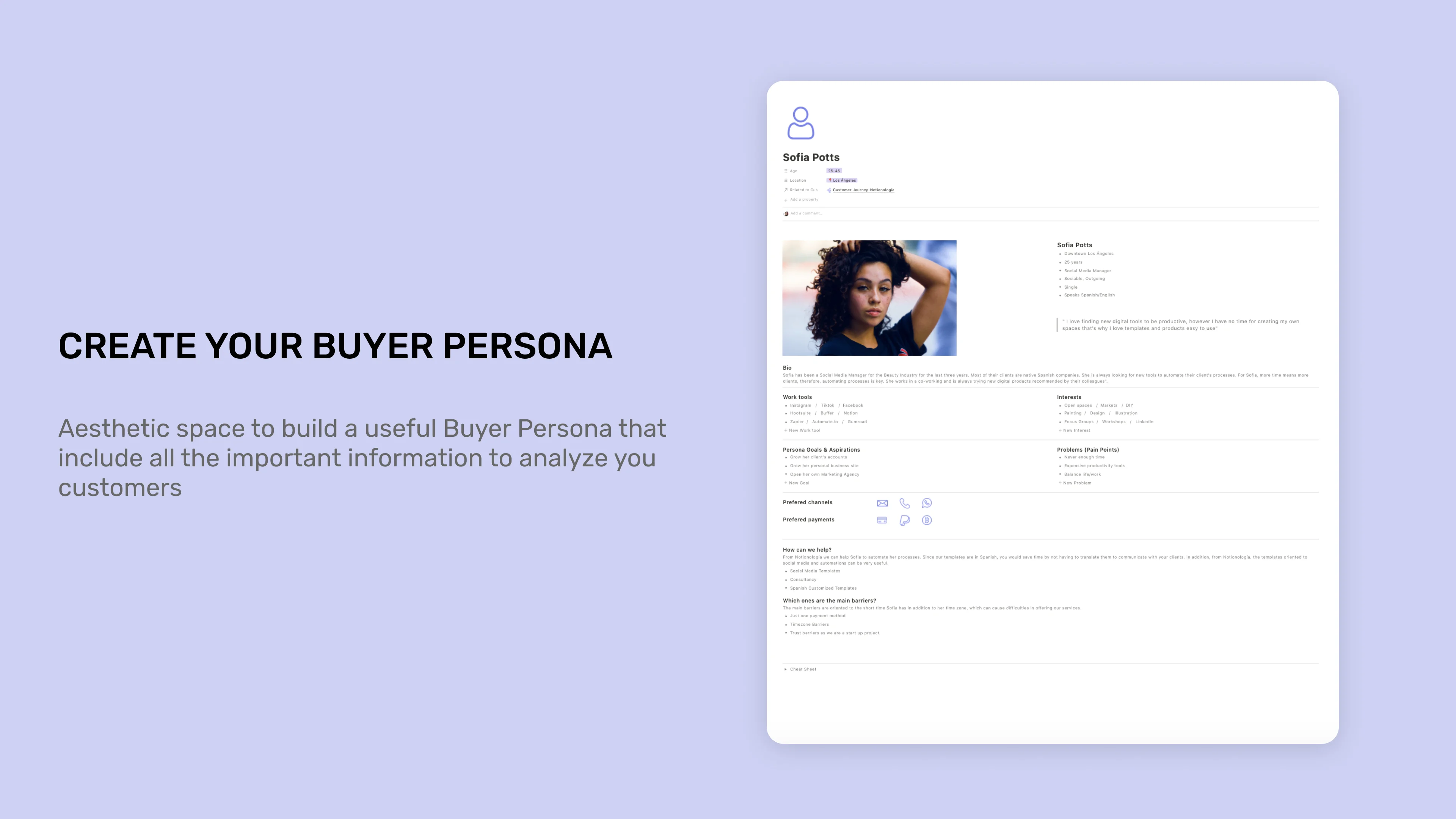
Buyer Persona Database: Aesthetic template for building the Buyer Personas that will help you to include all the important information from your customers
Customer Journey Database: The space for building your map. A visual representation of your customer journey ready to fill. You'll be able to relate each map to a specific goal, persona, and previous research information you have.
Space for Research & Information: you can include surveys, analytics, and all the research you did for your map. You can later relate this information to each map in the "Notes" section.
Why did we create this?
We are a team of two professionals in Notionología and one of our mid-term goals is to blend Notion with our hard skills. This template was made thinking on how Notion can be an excellent tool for small entrepreneurs and to show how business concepts and systems can blend with digital approaches. This template allows entrepreneurs and small consultants to reduce costs by having a Customer Journey Building tool with unlimited maps and that solves the same goals that other paid software in the market.
Template information
- Author:
Notionologia - Last Updated:
October 20, 2026 - Source:
https://gumroad.com/a/533574099/Lxxsp - Categories:
ProjectsSales and MarketingDesignIssue Tracking
Related Templates

Freelance OS Template
Projects
Planning and Goals
Personal Productivity
Manage your entire freelance process in Notion Freelance OS is an all-in-one Notion template to manage your projects, clients, or finances. What's included? Client CRM Project & task management Calendar events Meeting notes
Buy Now $79Download

Second Brain Template
Projects
Personal Productivity
Knowledge Base
Get Your Life Organized with a Second Brain Unlock a powerful Notion system that centralizes tasks, projects, notes, resources, and everything in between. Building upon Tiago Forte's PARA method, we've expanded its principles to
Buy Now $79Download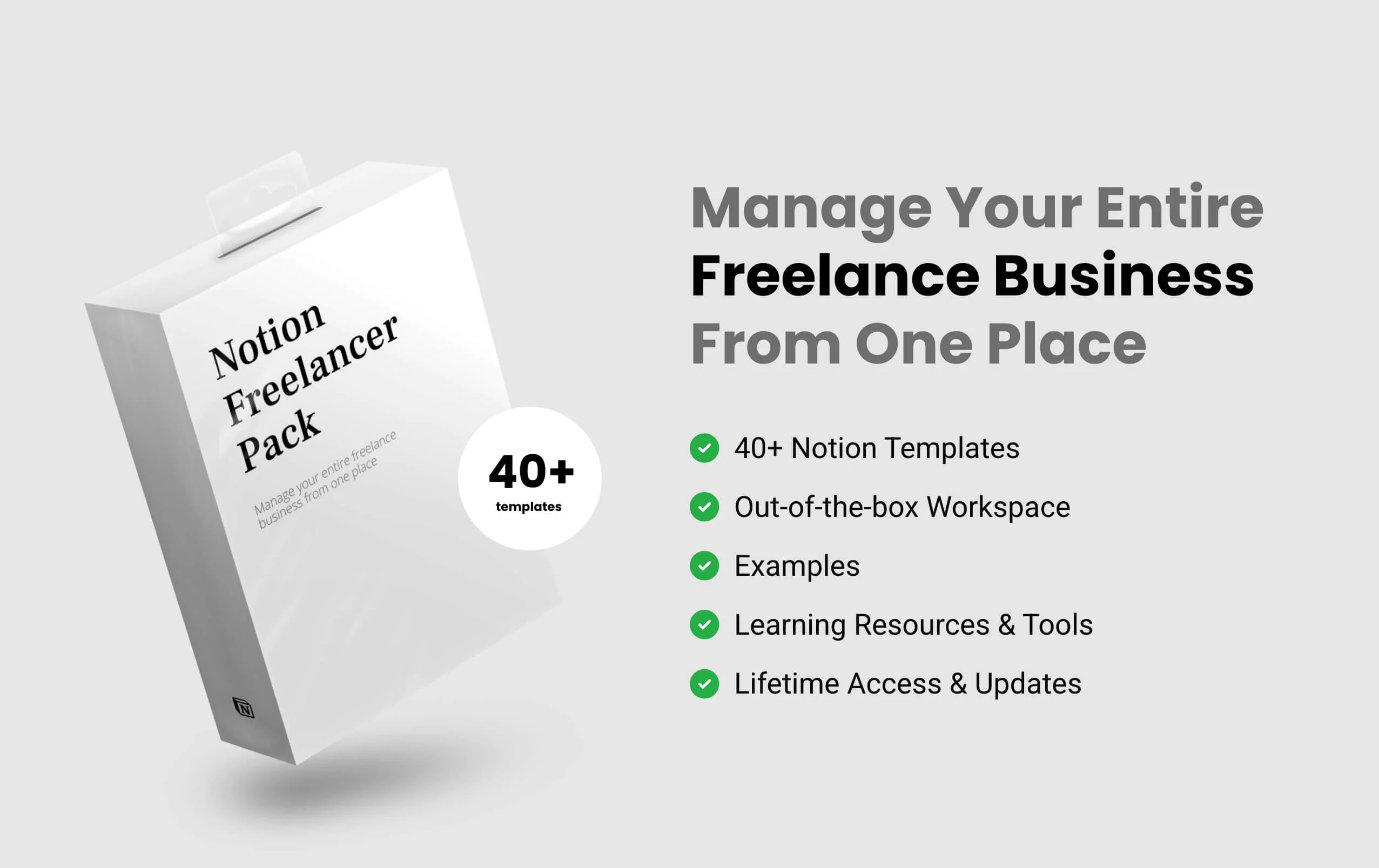
Notion Freelancer Pack
Projects
Sales and Marketing
Personal Productivity
The Notion Freelancer Pack is a template pack, a system that has everything you need to successfully start, run and manage your entire freelance business from one place. It’s made for all niches of freelancers, who want to manage
Buy Now $59Download
Notion Small Business Kit
Projects
Product
Sales and Marketing
The easiest way to start and manage your small business. In this Notion Small Business Kit you will find everything you need to know and have as a successful small business owner. So you are looking for the easiest way to start or manage
Buy Now $59Download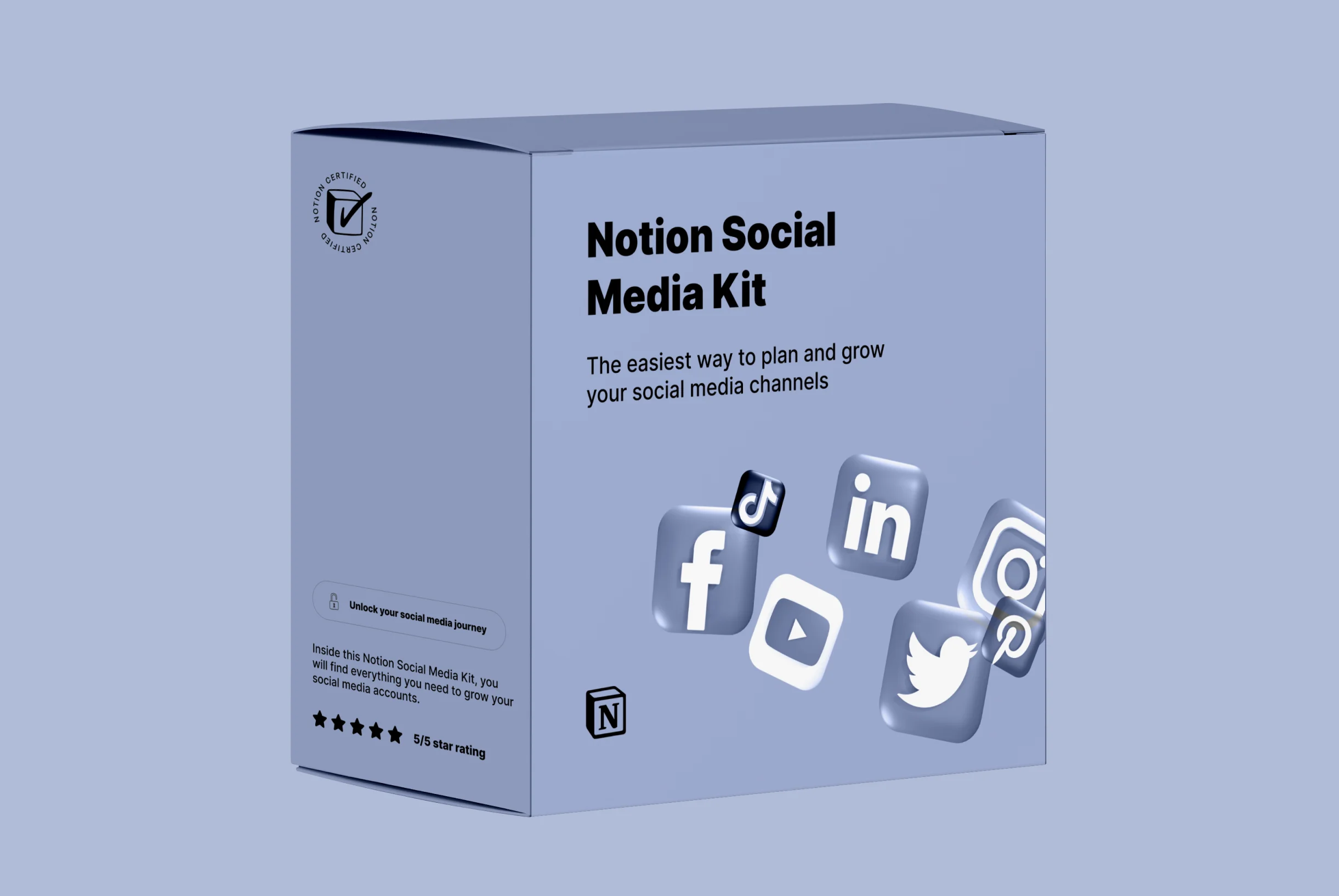
Notion Social Media Kit
Projects
Sales and Marketing
Planning and Goals
The easiest way to plan and grow your social media channels. Inside this Notion Social Media Kit, you will find everything you need to grow your social media accounts. If you’ve been looking for a Notion template to grow your social
Buy Now $59DownloadF.A.Q
Frequently Asked Questions
- What is Notion?
Notion is an all-in-one workspace that allows you to take notes, add tasks, manage projects, and get organized. Whether you're writing or planning, Notion has a versatile design for getting things done.
- What is Notion template?
Notion templates are pre-built Notion components that can be imported into your Notion workspace and are a great way to boost your productivity in Notion.
- How I will receive a template?
Right after your purchase, you will be made available with the link to download the template. After downloading the template, you will be able to duplicate it in your own workspace. You'll also receive an email with the link to the template and other relevant files.
- Will I need to pay to use Notion?
No, Notion does offer a free plan with no strings attached. You don't need to be on Notion's Personal Pro plan to use it.
- Does this work on all devices?
Yes, this template is supported across all platforms and devices (including MacOS, Windows OS, iOS and Android).
- Is Notion Free to Use?
Yes, Notion is free to use and you can sign up here to start using it today for FREE!