
Product Discovery System Notion Template


Description
Discover your next winning product, service, or feature using an organized system.
Finding your next product, service, or feature idea can be hard. You may feel stuck, uninspired, and lost. I have felt this way more than once, and I have discovered that a good system for capturing and analyzing ideas can put me back on track?
The Notion Discovery System uses a 3-stage process designed to help you ideate, screen, and research ideas based on customer, user, and employees' feedback in the simplest way possible.
Additionally, it will help you to understand and work on the preceding steps of the actual development of a product, steps that make the difference between winning a losing.
You can benefit from this template if you:
- Are a startup that wants to discover its next winning product/service/feature idea
- Are an entrepreneur that wants to discover its next winning product/service/feature business idea
- Are a startup or entrepreneur that feels stuck and uninspired with its product
- Are a Business Consultant and want to offer an interactive service for your client
- Are an Innovation Coach and want to offer an interactive service for your client
- Want to discover your next digital product
- Want to include your employees in the creation process making them feel + engaged with the brand
- Want to include your clients in the creation process making them feel + engaged with the brand
What's inside?
Before starting: Guidelines + Beginners Guide
Product Discovery System that includes:
- A General Dashboard: to work on different stages of the Discovery Process, take a quick look at the progress made on every stage, and organize documentation and meetings.
- 5 main Databases: Ideation, Screening, Research, Documentation, and Meetings.
- Ideation: Includes Database Templates with checklists for implementing 7 ideation techniques: Focus Group, Customer Visits, Lead User Analysis, Client Workshop, Customer Advisory Board, Internal Team Brainstorming, Employees Submissions. (Some techniques also include 5 additional tools Startbusting, Reverse Brainstorming, 5 Whys Analysis, S.C.A.M.P.E.R)
- Screening: Includes a template with techniques for screening ideas with four tools: Judges Panel, Criteria Evaluation/Score Card, Proof of concept, Token Vote.
- Research: Includes a template with a checklist and a sample report with an index of important elements to research an idea.
- Documentation: A database with all the documents related to each stage.
- Meetings: A database with all the meetings related to each stage.
- Dictionary, Education, and Good Practices: for improving the template and connect it with your system and learn more about ideation techniques.
For Beginners
Learn the implementation of ideation techniques and brainstorming tools. Use pre-built templates with a checklist for actions before, during, and after ideation sessions.
For Teams & Entrepreneurs
Discover a creative space to take advantage of ideas from employees and customers. Use a 3- stage system to gather, screen, and research ideas. Use the Documentation and Meetings sections to keep everything in order.
For Students
Learn the implementation of ideation techniques and brainstorming tools. Use the system for your research papers and homework assignments on topics/classes such as innovation, entrepreneurship, business, and marketing.
Are you letting opportunities slip away?
Clients are one of the most important sources of ideas for products, services, and features. This system will help you make sure to collect and screen that feedback.
Employees are another important source of innovation. The Discovery System will help you to implement brainstorming sessions and collect recommendations.
Template information
- Author:
Notionologia - Last Updated:
October 21, 2026 - Source:
https://gumroad.com/a/533574099/almef - Categories:
ProjectsProductStartupTeam Hub
Related Templates

Freelance OS Template
Projects
Planning and Goals
Personal Productivity
Manage your entire freelance process in Notion Freelance OS is an all-in-one Notion template to manage your projects, clients, or finances. What's included? Client CRM Project & task management Calendar events Meeting notes
Buy Now $79Download


Second Brain Template
Projects
Personal Productivity
Knowledge Base
Get Your Life Organized with a Second Brain Unlock a powerful Notion system that centralizes tasks, projects, notes, resources, and everything in between. Building upon Tiago Forte's PARA method, we've expanded its principles to
Buy Now $79Download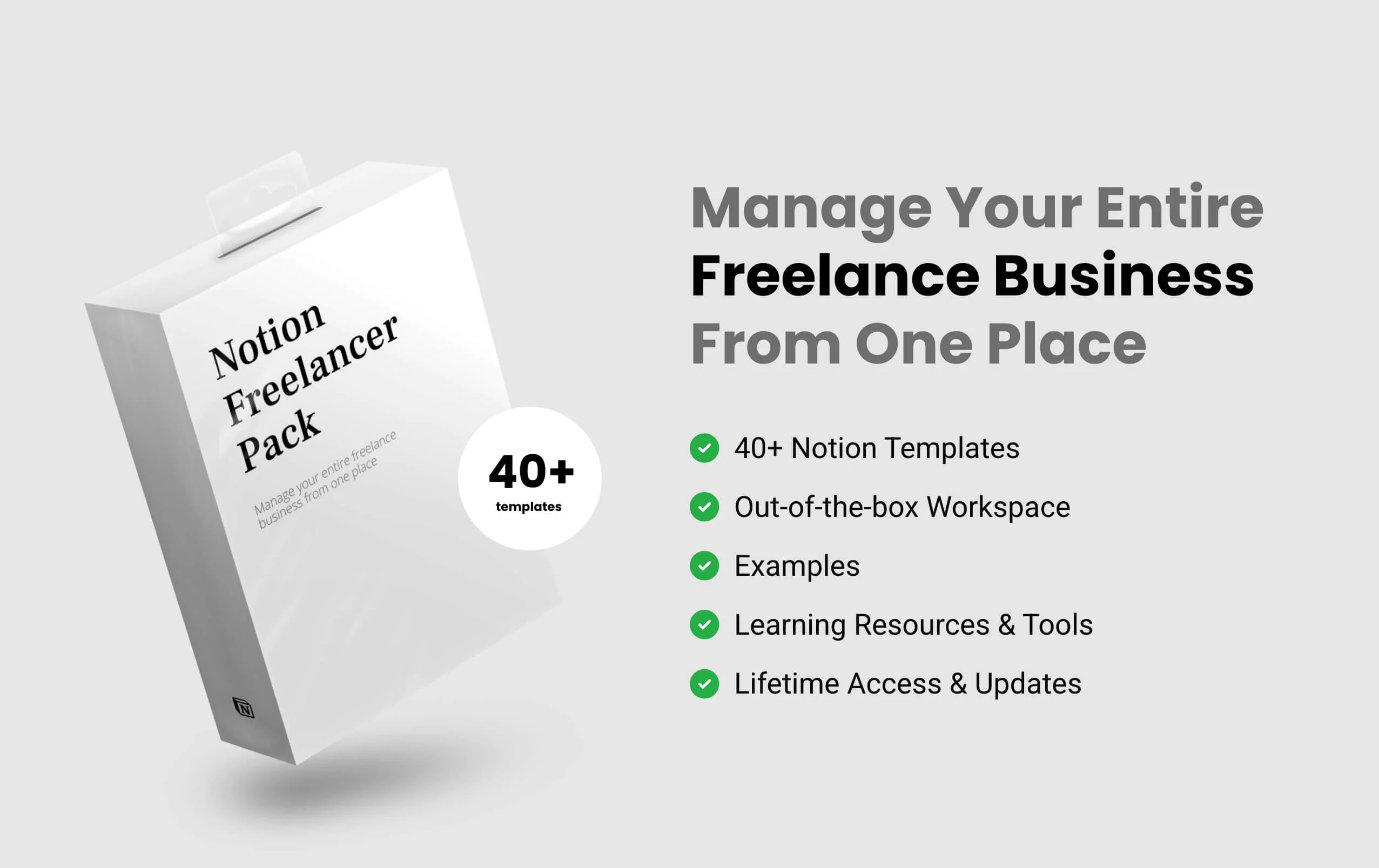
Notion Freelancer Pack
Projects
Sales and Marketing
Personal Productivity
The Notion Freelancer Pack is a template pack, a system that has everything you need to successfully start, run and manage your entire freelance business from one place. It’s made for all niches of freelancers, who want to manage
Buy Now $59Download
Notion Small Business Kit
Projects
Product
Sales and Marketing
The easiest way to start and manage your small business. In this Notion Small Business Kit you will find everything you need to know and have as a successful small business owner. So you are looking for the easiest way to start or manage
Buy Now $59DownloadF.A.Q
Frequently Asked Questions
- What is Notion?
Notion is an all-in-one workspace that allows you to take notes, add tasks, manage projects, and get organized. Whether you're writing or planning, Notion has a versatile design for getting things done.
- What is Notion template?
Notion templates are pre-built Notion components that can be imported into your Notion workspace and are a great way to boost your productivity in Notion.
- How I will receive a template?
Right after your purchase, you will be made available with the link to download the template. After downloading the template, you will be able to duplicate it in your own workspace. You'll also receive an email with the link to the template and other relevant files.
- Will I need to pay to use Notion?
No, Notion does offer a free plan with no strings attached. You don't need to be on Notion's Personal Pro plan to use it.
- Does this work on all devices?
Yes, this template is supported across all platforms and devices (including MacOS, Windows OS, iOS and Android).
- Is Notion Free to Use?
Yes, Notion is free to use and you can sign up here to start using it today for FREE!